1 min read

Tech Tuesday: Preference Settings Product Update | Qnect

2019-02-11_19-57-57

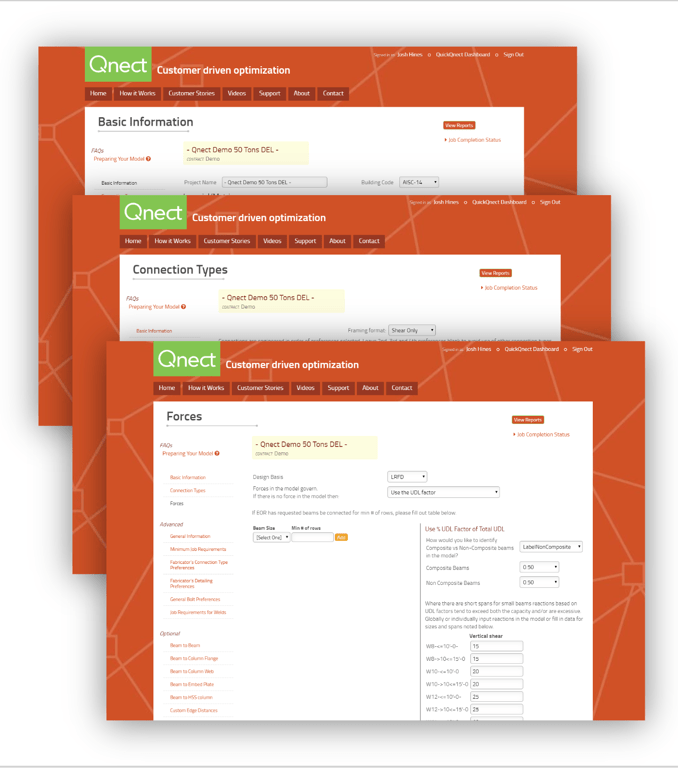
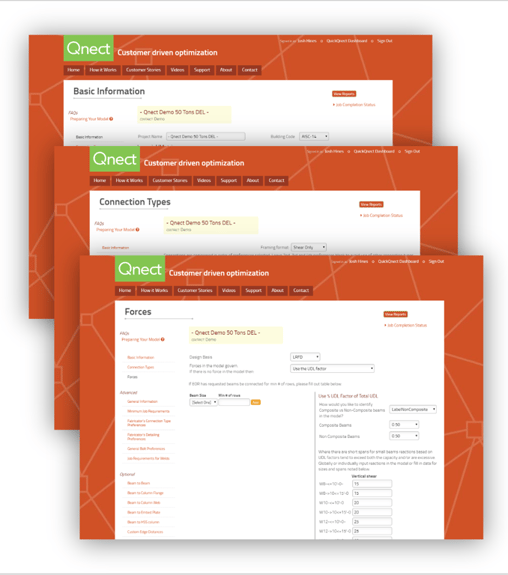
We are excited to announce a few big updates to the QuickQnect Preference Settings. You will now find three categories:

  • Basic Information
  • Connection Types
  • Forces

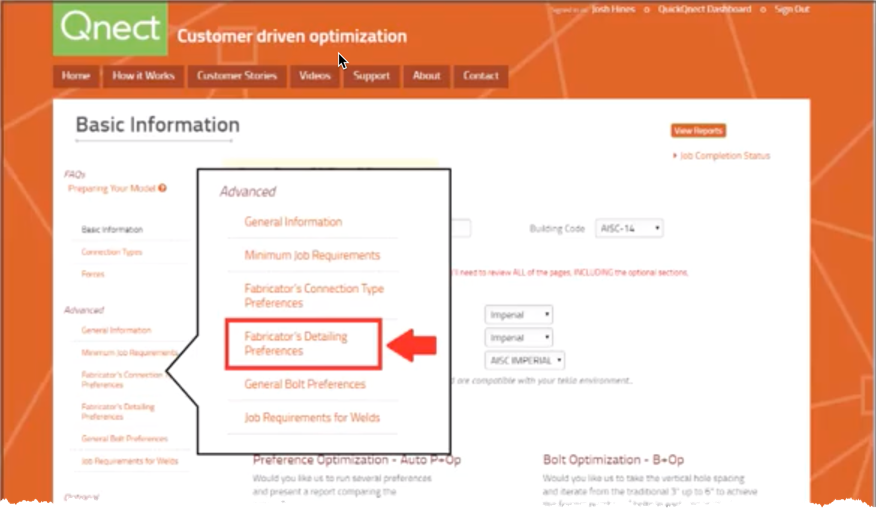
This allows the user to separate the Basic Preferences from the Advanced Preferences saving you even more time and allowing you to focus on what's needed with your particular project. 

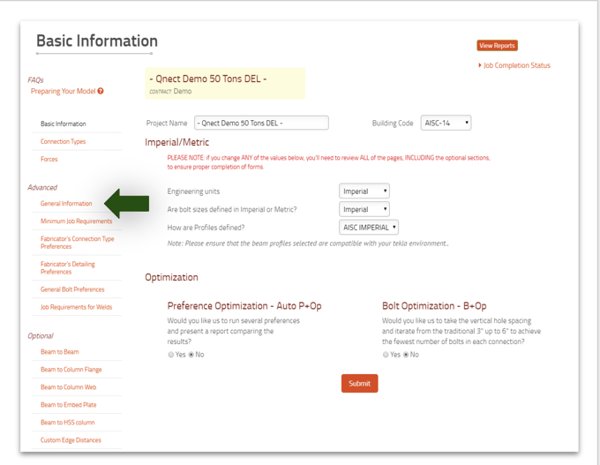
2019-02-11_19-57-57Basic Information: This category was added to help prepare high level information, which will automatically populate the "General Information" preferences that already exits.
2019-02-11_19-58-38

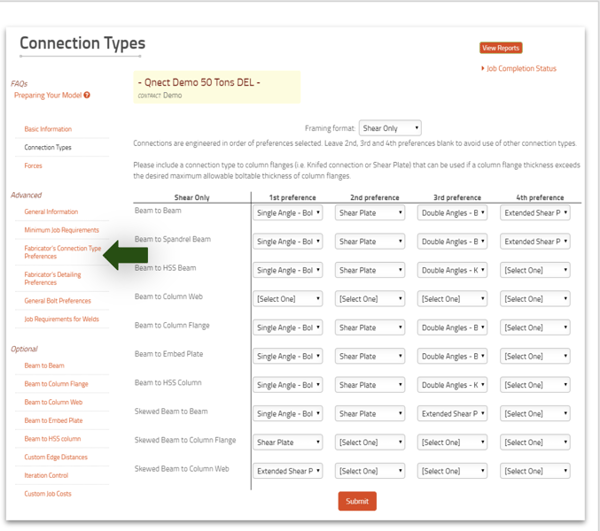
Connection Types: This category was added to help prepare your desired connections, which will automatically populate the "Fabricator's Connection Type Preferences" that already exists. You will find this to be more user friendly. 

2019-02-11_19-58-53

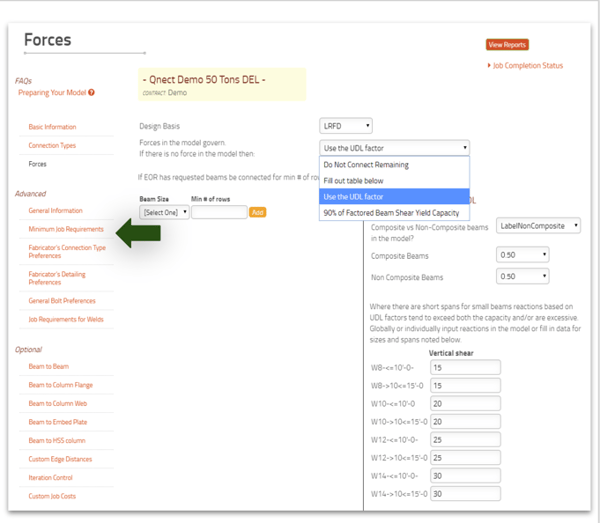
Forces: This category was added to help prepare forces for your project and to populate the first portion of the "Minimum Job Requirements" that already exist. As you can see the same pulldown window has been used.

2019-02-11_19-59-08

You can download the PDF deck here.

Watch the video below for a full demo of the updates.

Tech Tuesday: Product Update Global Shear Plate and Single Angle Placement

Tech Tuesday: Product Update Global Shear Plate and Single Angle Placement

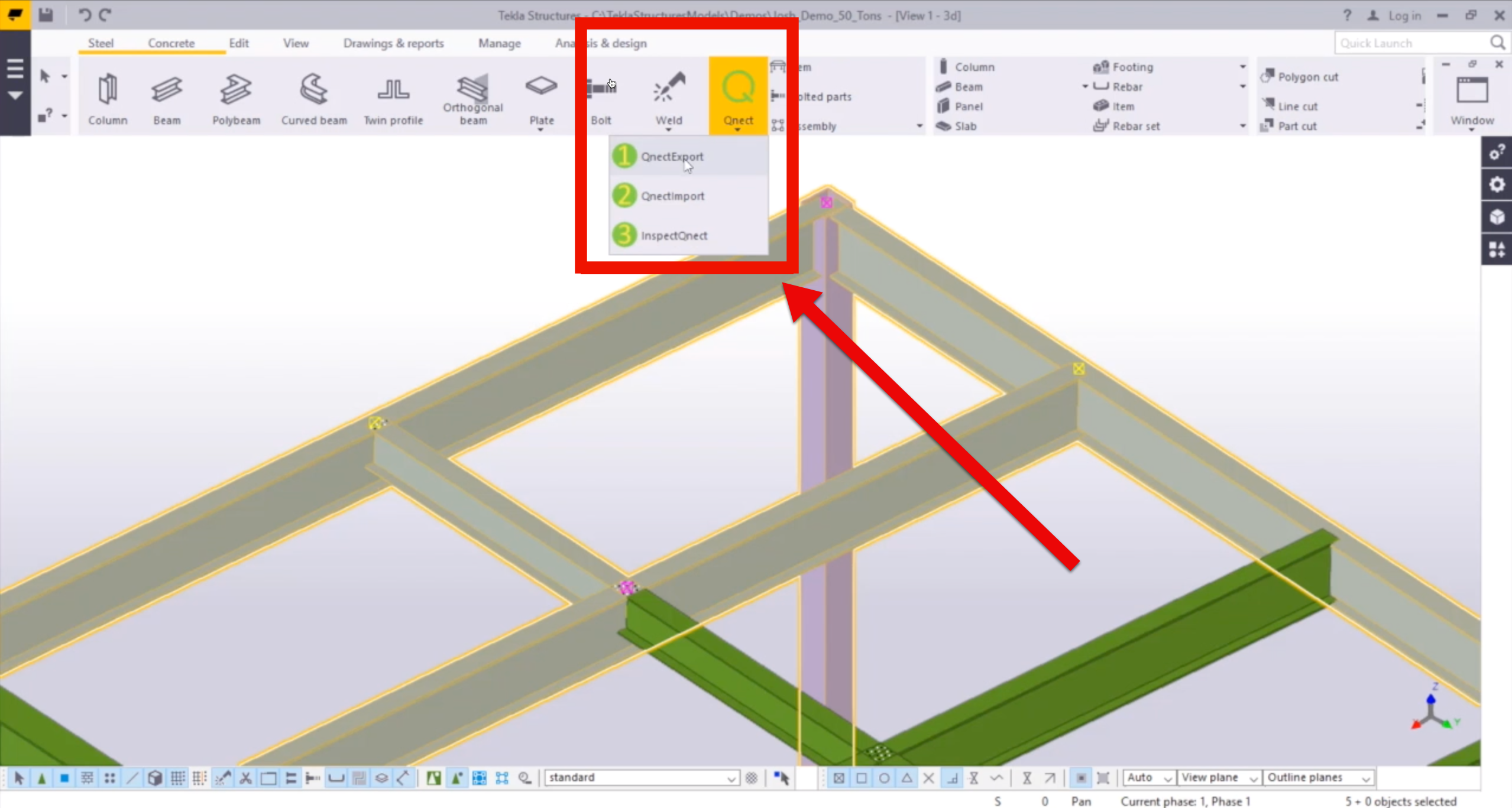
This is a Preference Setting update that focuses on the Global Shear Plate and Single Angle Placement all within the Tekla Structures environment and...
Read More
Tech Tuesday: Benefits of Button 3 for the Detailer, EOR and others

Tech Tuesday: Benefits of Button 3 for the Detailer, EOR and others

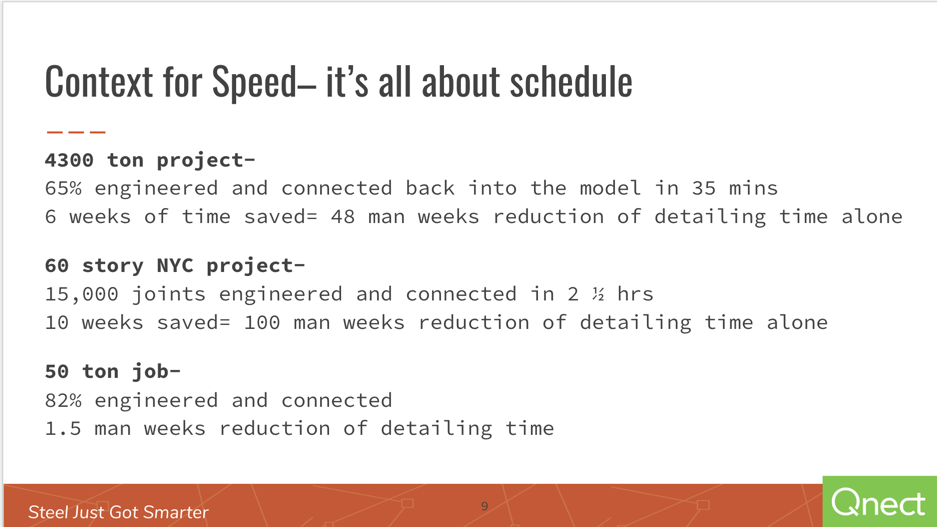
Button 3 in Qnect works for steel detailers, engineers, EORs and GCs. Included is a How-To video that explains a better way to manage and automate...

Read More
Webinar Review: GCs Learn How to Reduce time to Construction | Qnect

Webinar Review: GCs Learn How to Reduce time to Construction | Qnect

Discover how GCs reduce time to construction with Qnect’s connected model. Watch the webinar or request a demo to streamline your next project!

Read More